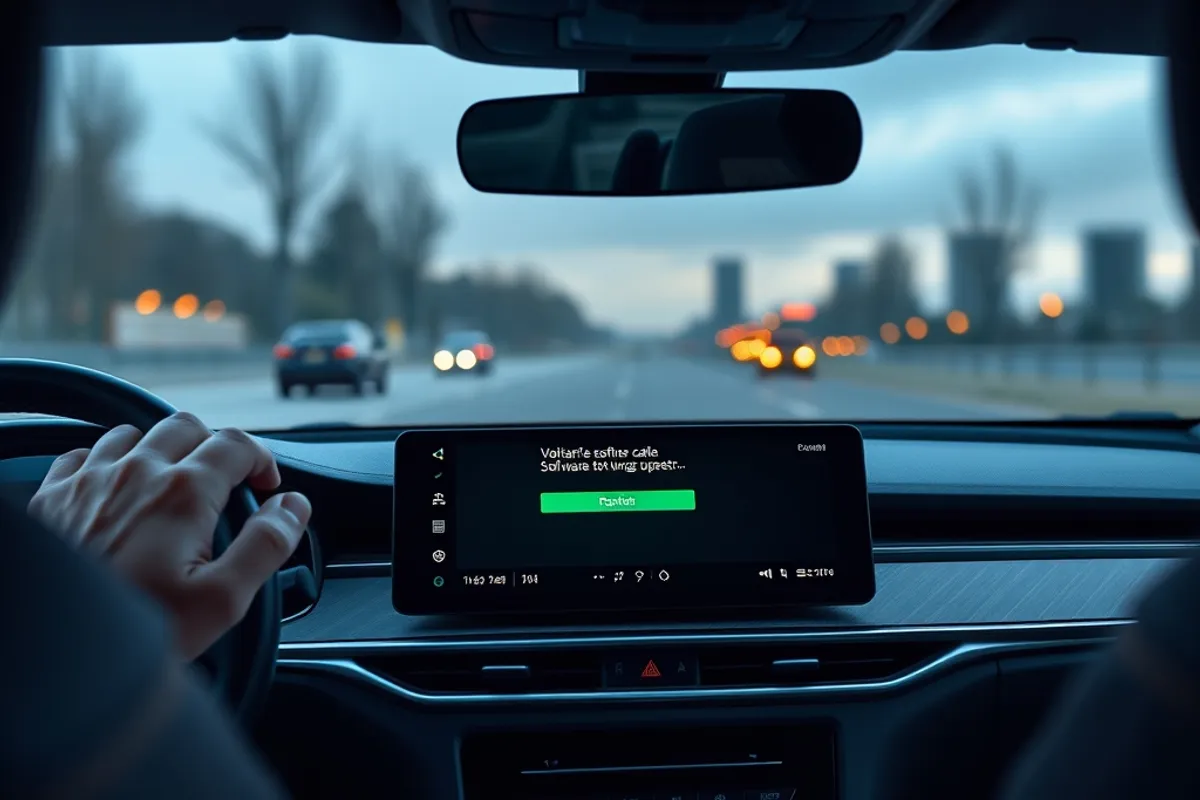
A car used to be finished when it left the factory. Now it is a computer with wheels that keeps changing. The changes can add range, fix a recall or unlock a feature. They can also stop, leaving the owner with a car that no longer gets security patches.
The term software-defined vehicle describes a car whose features and behaviour are controlled by code rather than by separate hardware modules. It allows over-the-air updates, but it also makes the manufacturer a long-term service provider. That relationship now affects what a used car is worth.
What over-the-air actually changes
OTA updates can fix bugs, improve charging curves, adjust driver assistance and add entertainment features. Some manufacturers use them to deliver recalls without a dealer visit. Others use them to enable hardware that was fitted but disabled, sometimes for a subscription fee.
Not every update is an improvement. An update can change pedal feel, reduce fast-charging speed to protect the battery or alter how a driver assistance system behaves. Read the release notes and give yourself time to test the car after a major update.
The support lifecycle is the new warranty
Ask how long the manufacturer will provide software and security updates for your model. Eight years is a reasonable benchmark for a modern car, but it varies. A car that stops receiving updates can still drive, but connected features may stop working and security vulnerabilities may go unpatched.
This is especially important for used buyers. A five-year-old car with three years of support left is a different risk from one with no support. Check the manufacturer's lifecycle statement, not just the warranty booklet.
Feature subscriptions and resale
Heated seats, advanced driver assistance and performance upgrades are increasingly sold as subscriptions or one-time unlocks. When you buy used, find out which features are tied to the original owner's account and which transfer with the car. A feature that stops working at the second ownership can wipe out a large part of the price advantage.
Ask for the feature list in writing and test every subscription feature before you pay. A seller who says "it has everything" may mean "it had everything during the trial period".
Security and privacy
Connected cars collect location, driving behaviour and sometimes camera data. Read the privacy settings and check whether the car has a way to delete the previous owner's account and data. A factory reset is not always enough; the manufacturer may need to unbind the vehicle from the account.
Security updates matter because a modern car has cellular connectivity, Bluetooth and sometimes a digital key. A car that no longer receives patches is a larger attack surface. This is not a reason to avoid all connected cars, but it is a reason to check the support policy before buying an older model.
The most valuable used car in 2030 may be the one whose software is still supported, not the one with the biggest screen.
What to check on a test drive
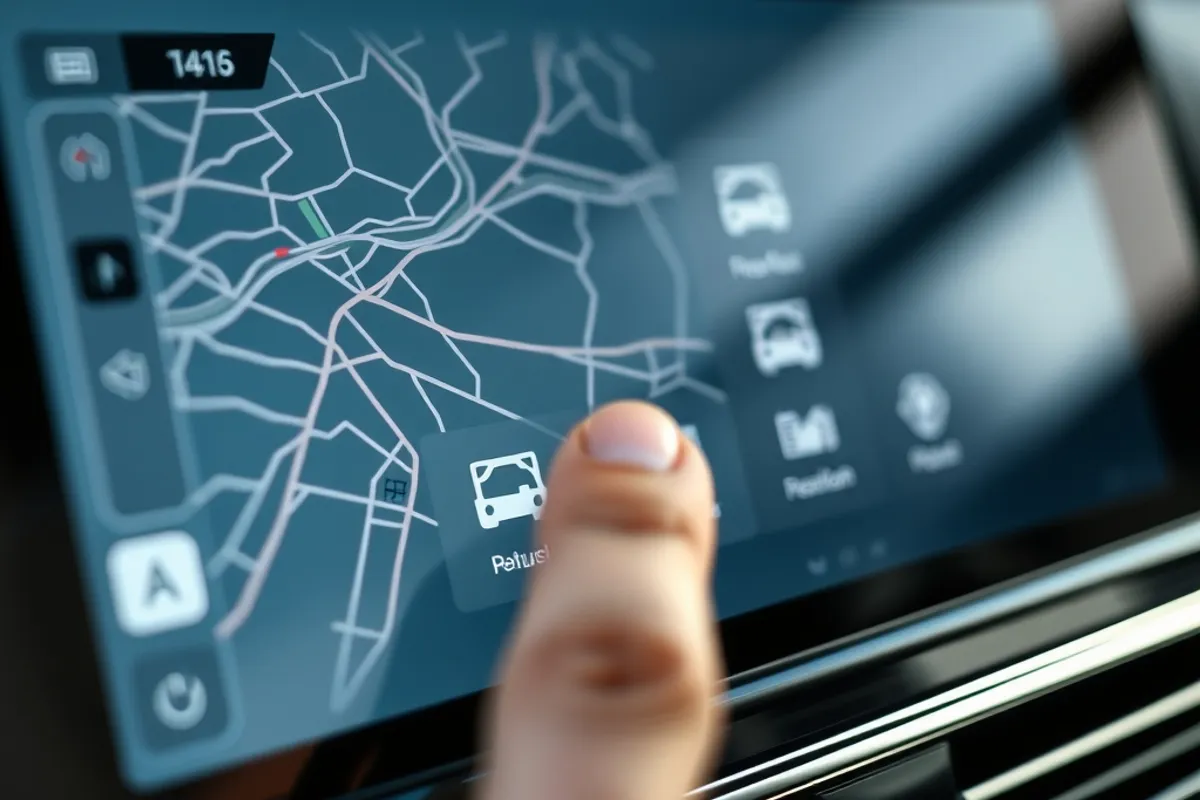
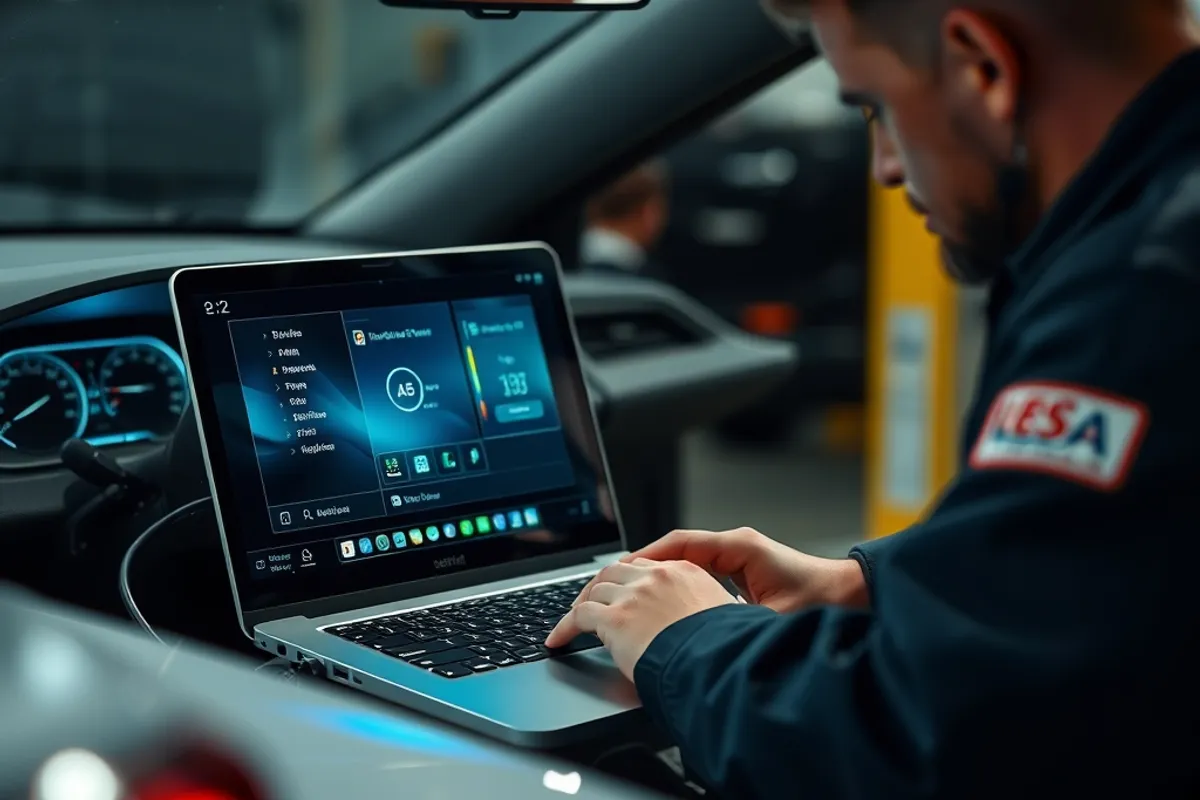
Open the software menu and look for the current version and the last update date. Ask whether the car is on the latest release. Test the infotainment, navigation, phone pairing and any driver assistance features. Look for warning messages that suggest a failed update or an expired service.
Ask the dealer to show the connected-services account status. If the car cannot be transferred to your account, walk away or negotiate the cost of a fix. A software problem can be harder to resolve than a mechanical one because it depends on the manufacturer's servers and policies.
Buying advice
Prefer models from manufacturers with a clear update track record and a published support window. Avoid early versions of a new software platform if you plan to keep the car for a decade. A mature platform with fewer features can be a safer long-term buy than a cutting-edge one that is still debugging basics.
For the battery side of electric cars, read our EV battery guide. For the physical cabin, see interior materials that age well. More industry coverage is on the Automotive Industry desk.
Used-car software checks
- Current software version and last update date.
- Published support and security-update window.
- Which features are subscriptions and whether they transfer.
- Previous owner's account removed and data deleted.
- All screens, cameras and driver assistance tested.